
Krayin Google Two-Factor Authentication Extension
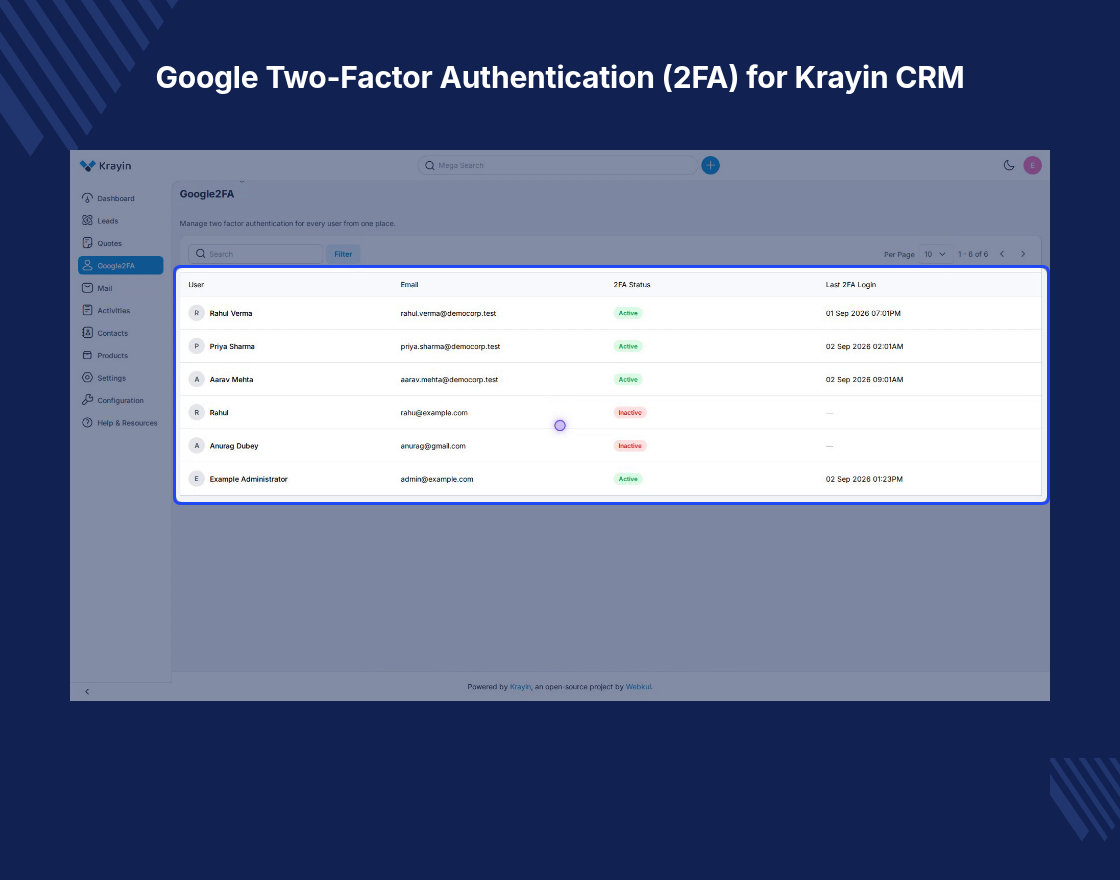
Google Two-Factor Authentication (2FA) for Krayin CRM is an extension that adds a second
sign-in step to the Krayin CRM admin panel.
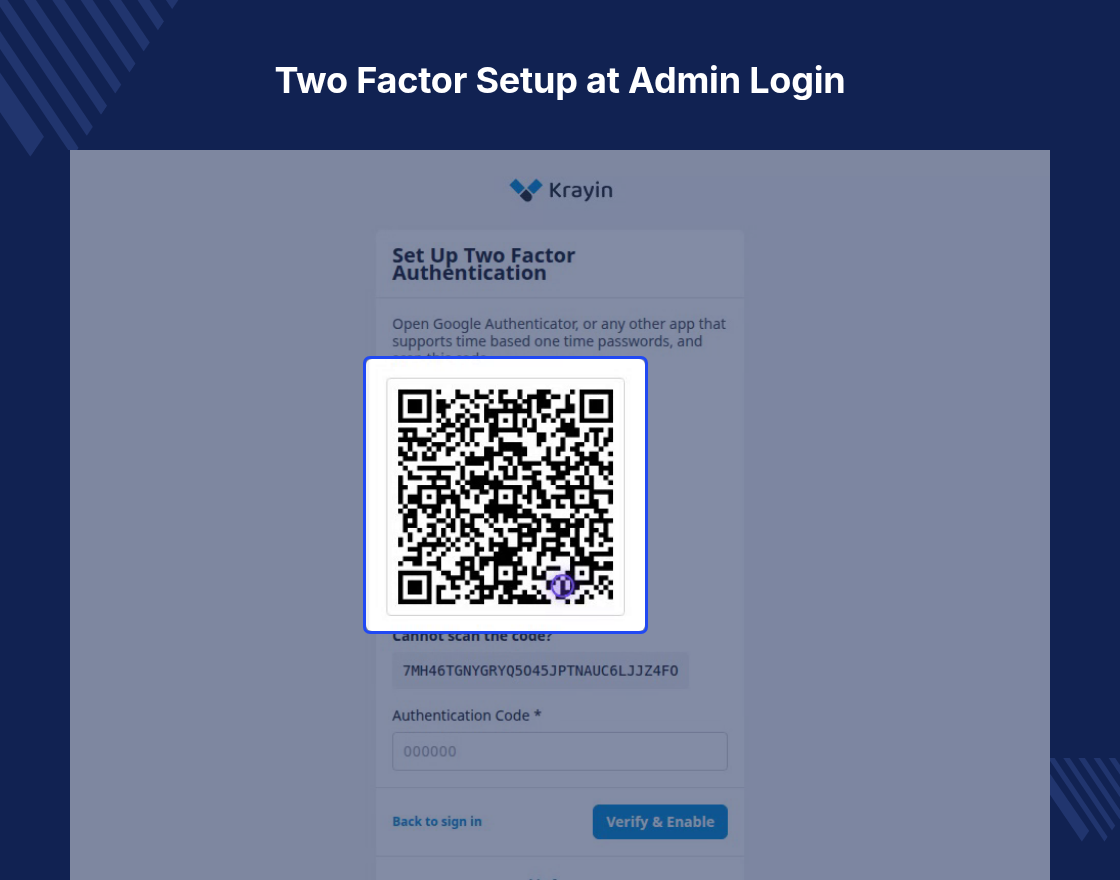
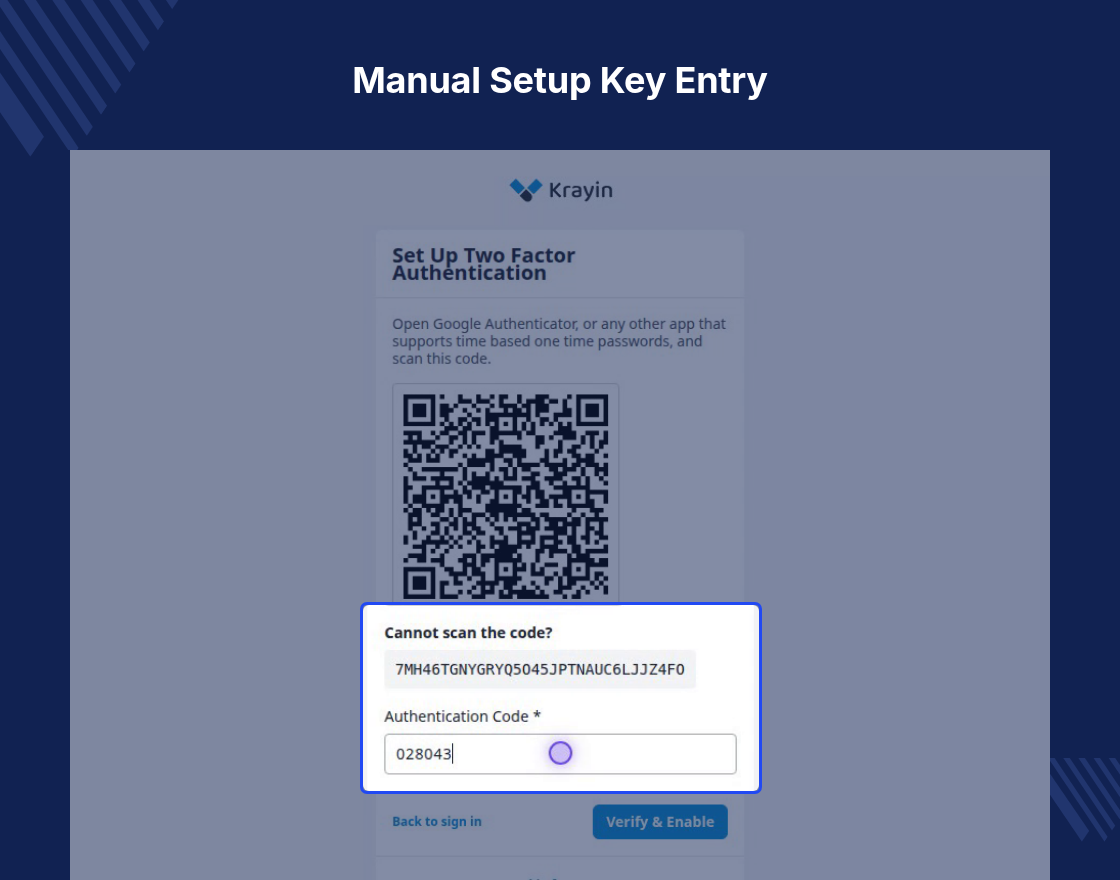
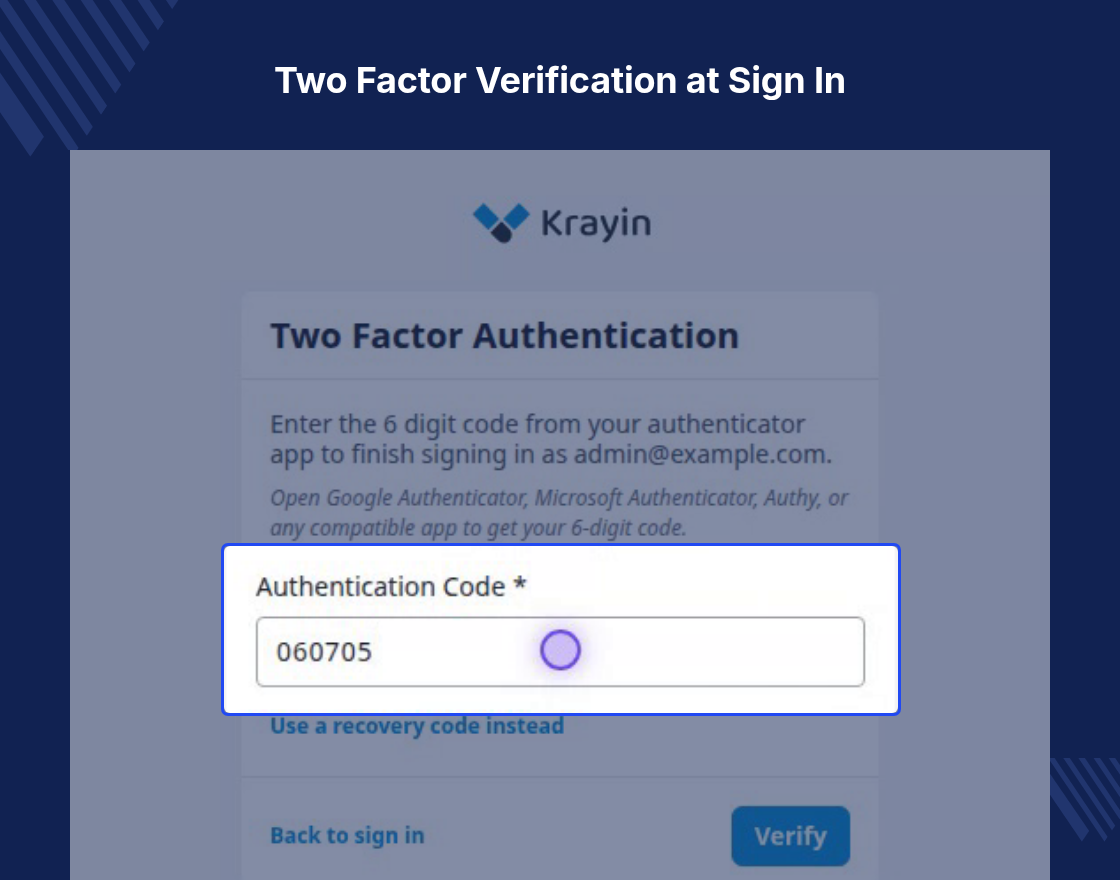
Staff type their password, then a six-digit TOTP code from an authenticator app. Enrolment
happens inside the login flow.
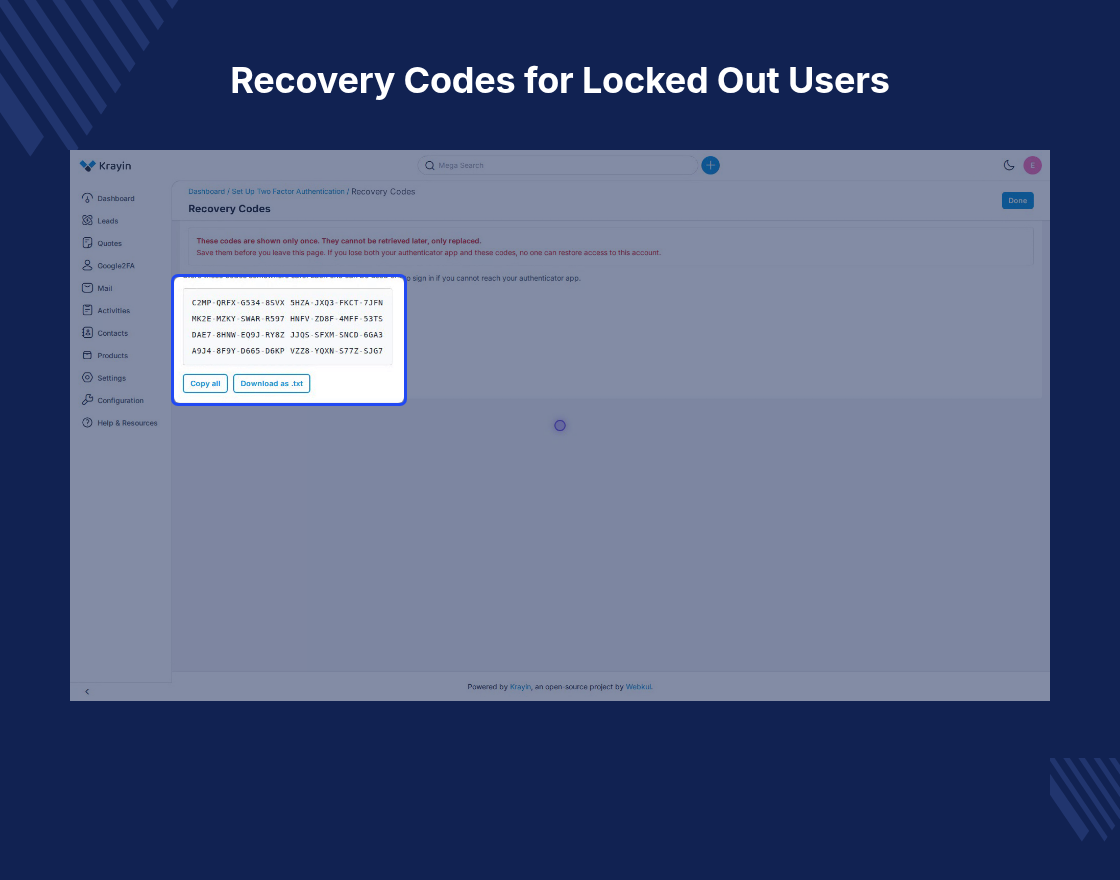
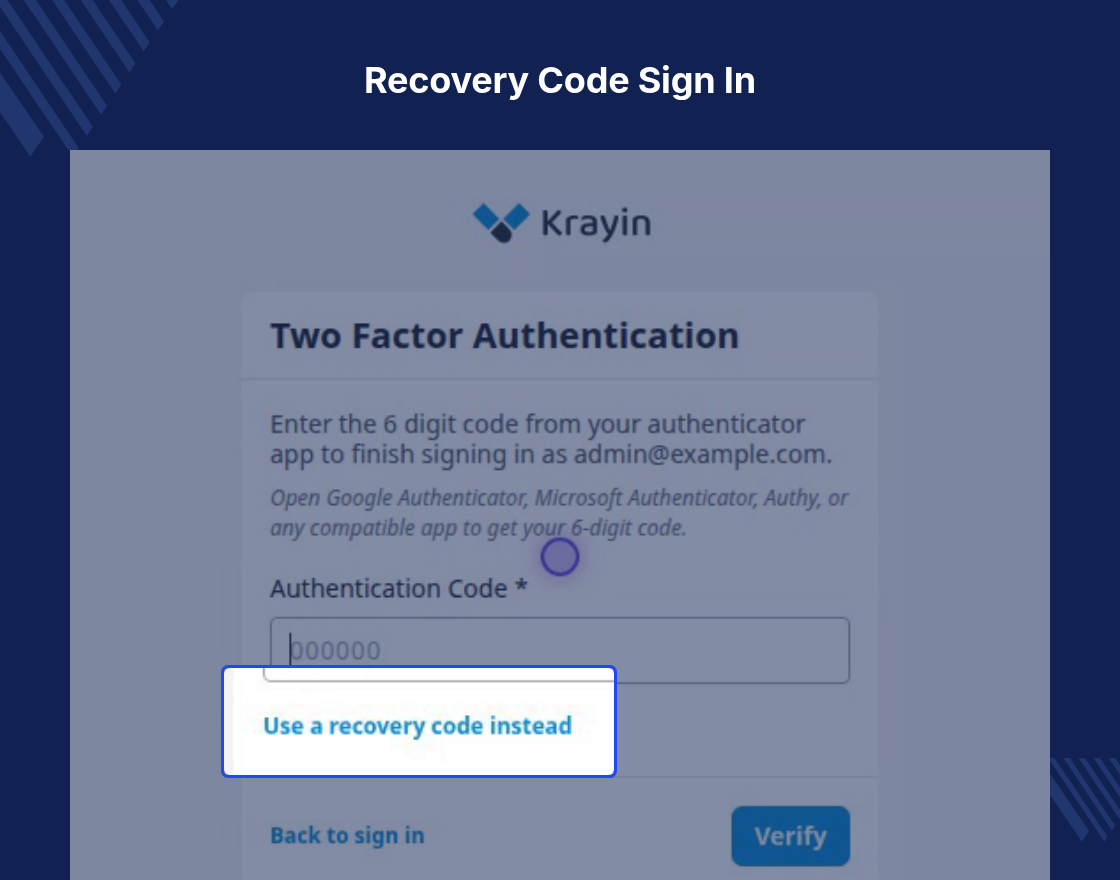
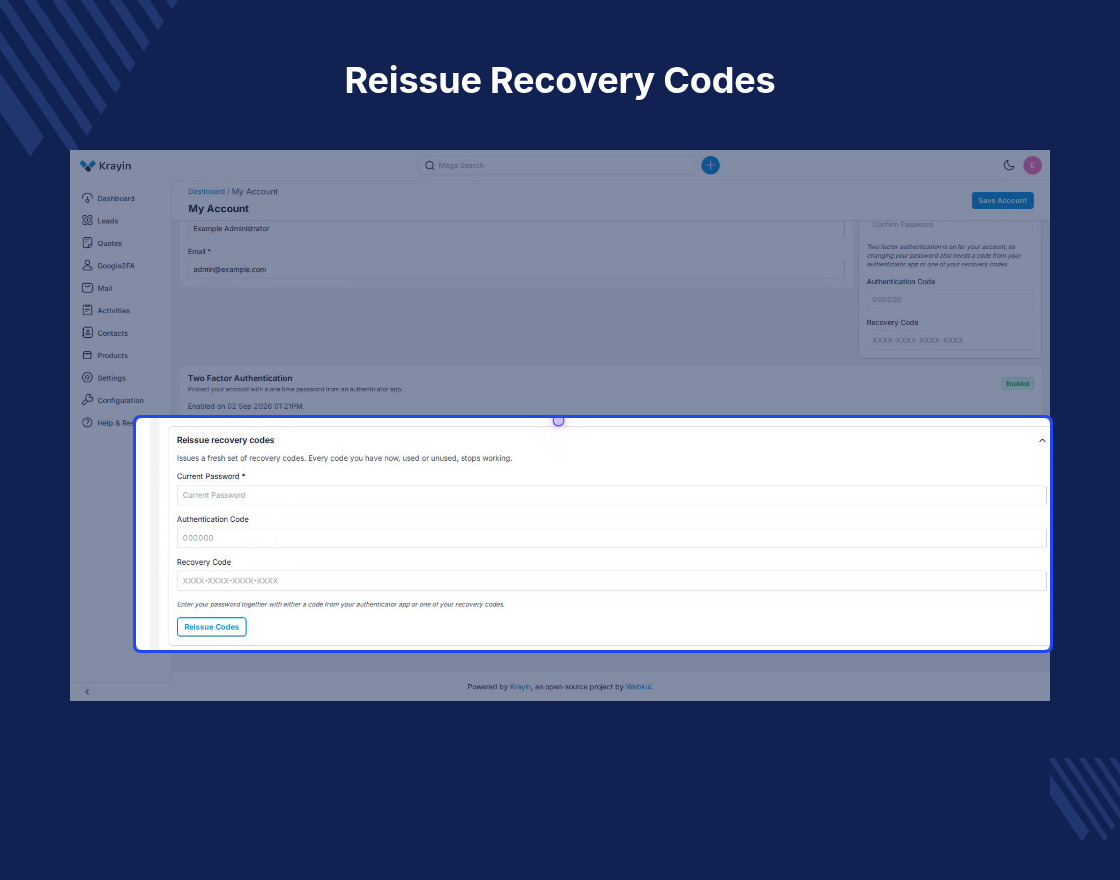
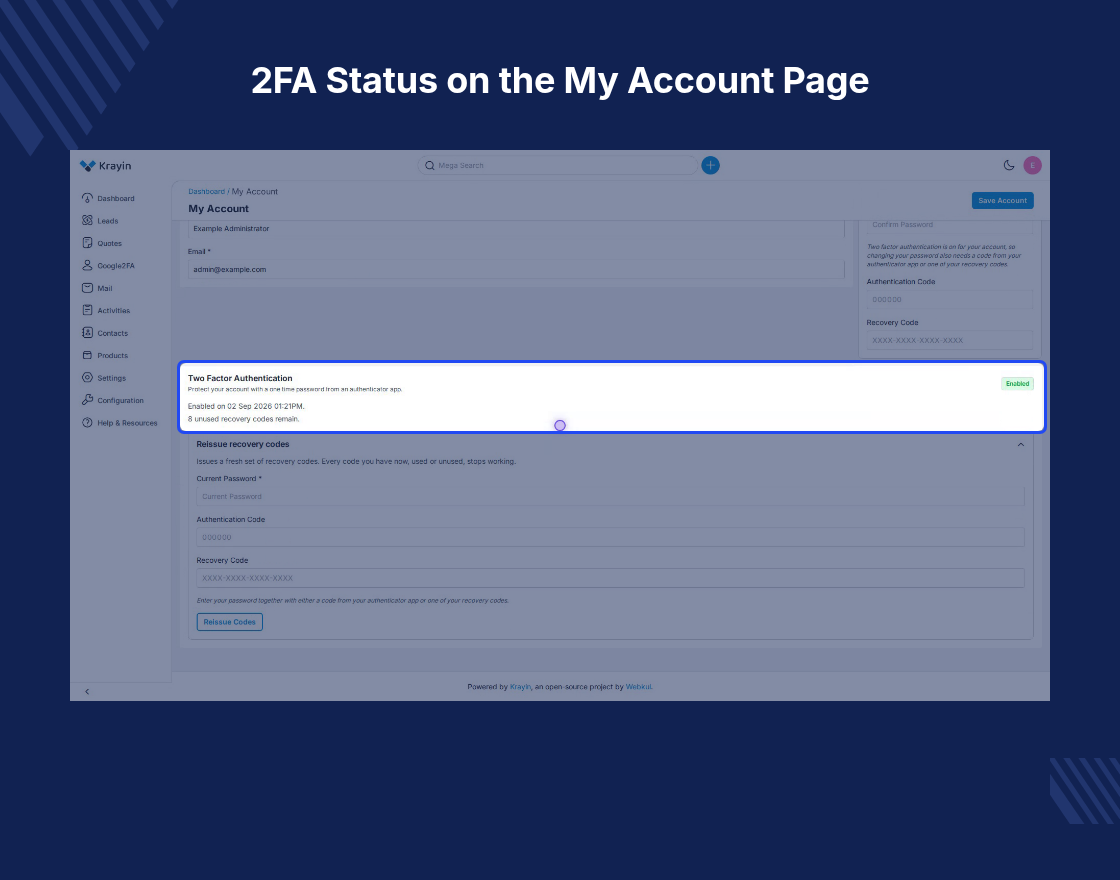
The module issues eight single-use recovery codes, one of which signs a user in when their
phone is lost or flat.
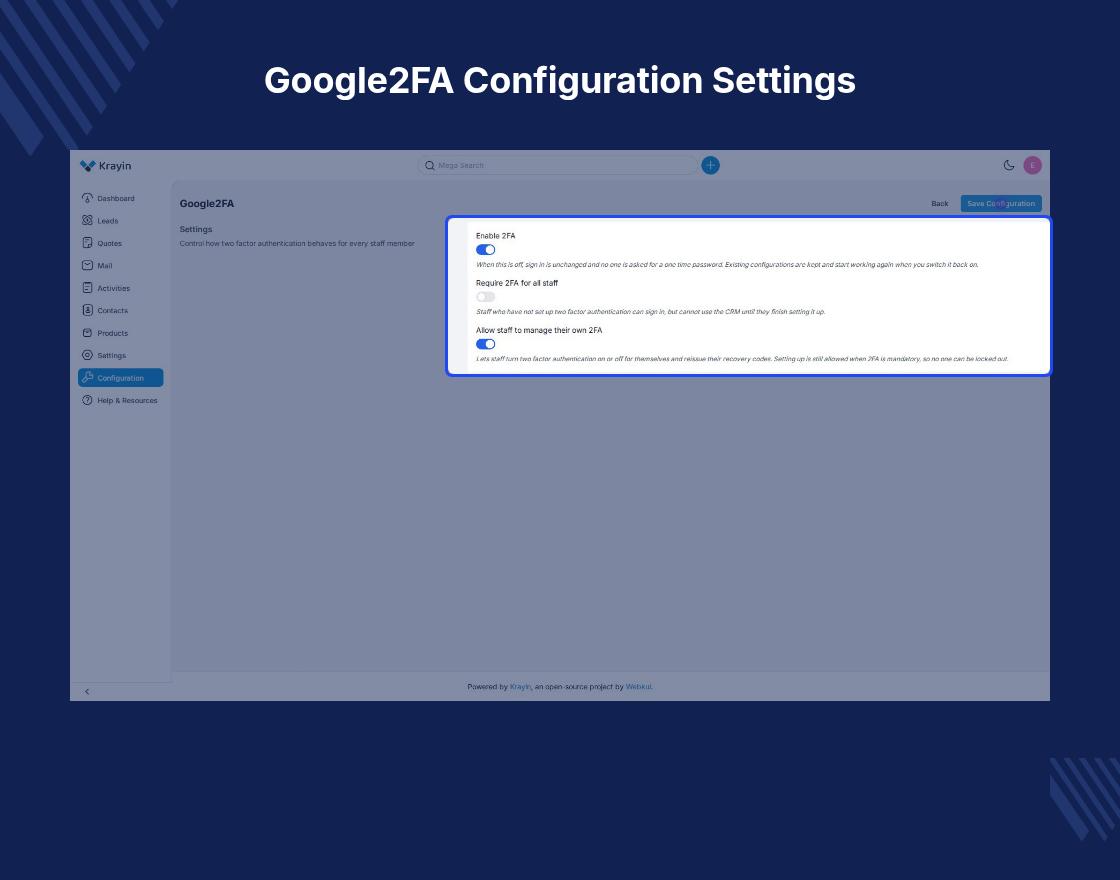
Three configuration switches sit under Configuration > Security > Google2FA
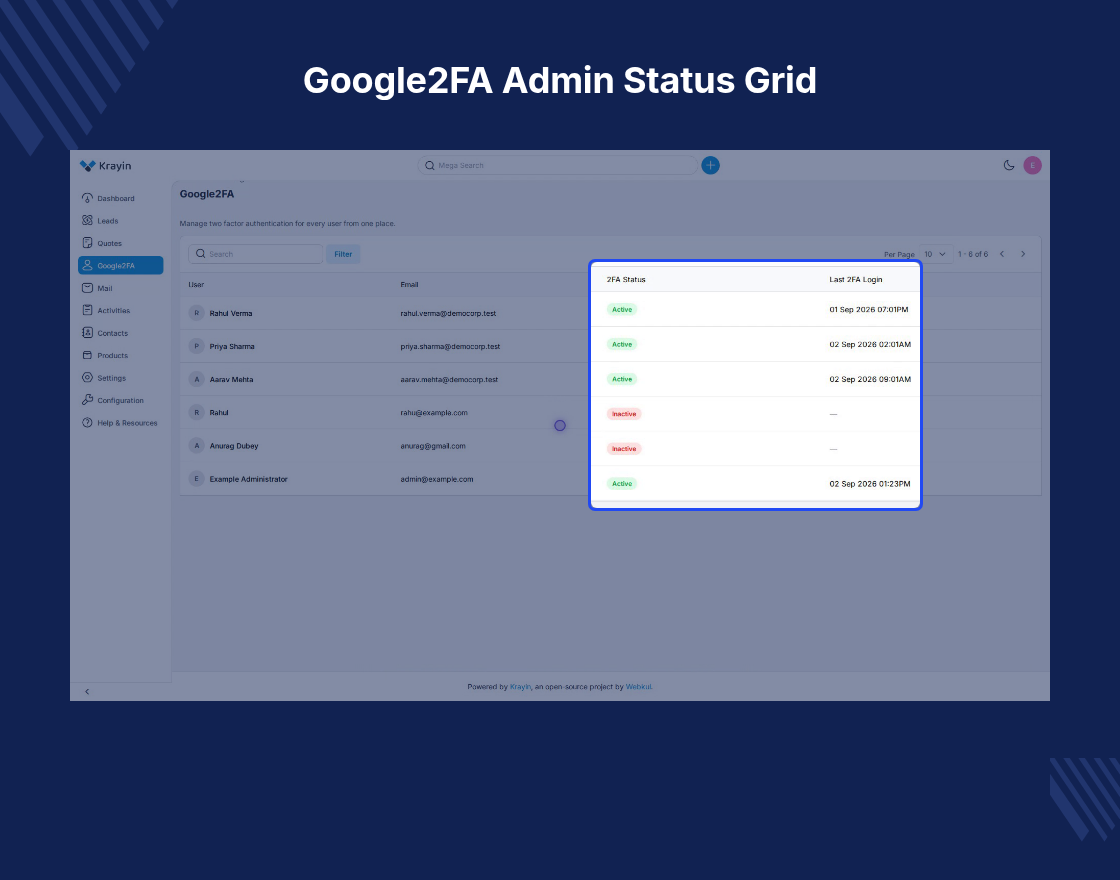
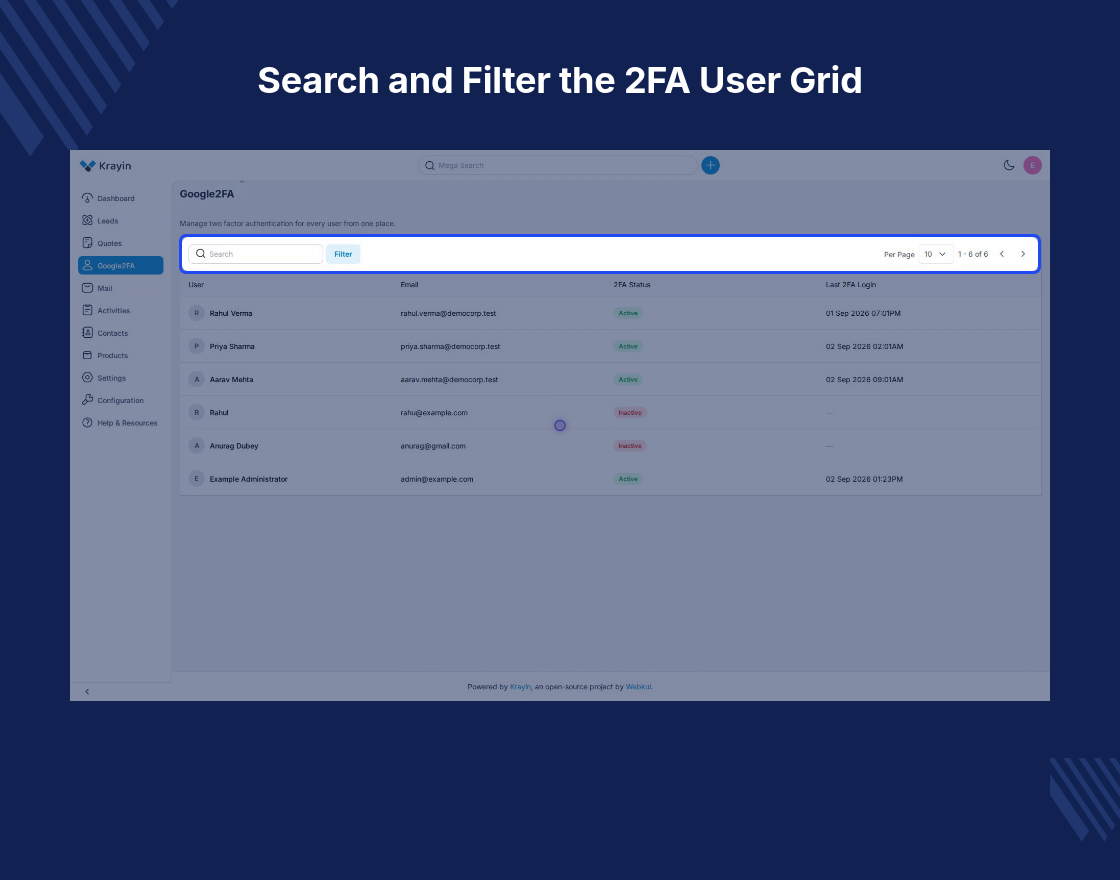
to enable it, require it for all staff, or allow self-service. A dedicated Google2FA menu lists
every user with their email, 2FA status, and last 2FA login.
Features
- Protect Krayin CRM admin sign-in with a six-digit TOTP code.
- Staff enrol during login by scanning a QR code or typing a setup key.
- Issue eight single-use recovery codes at the end of enrolment.
- Allow sign-in with a recovery code when the authenticator app is away.
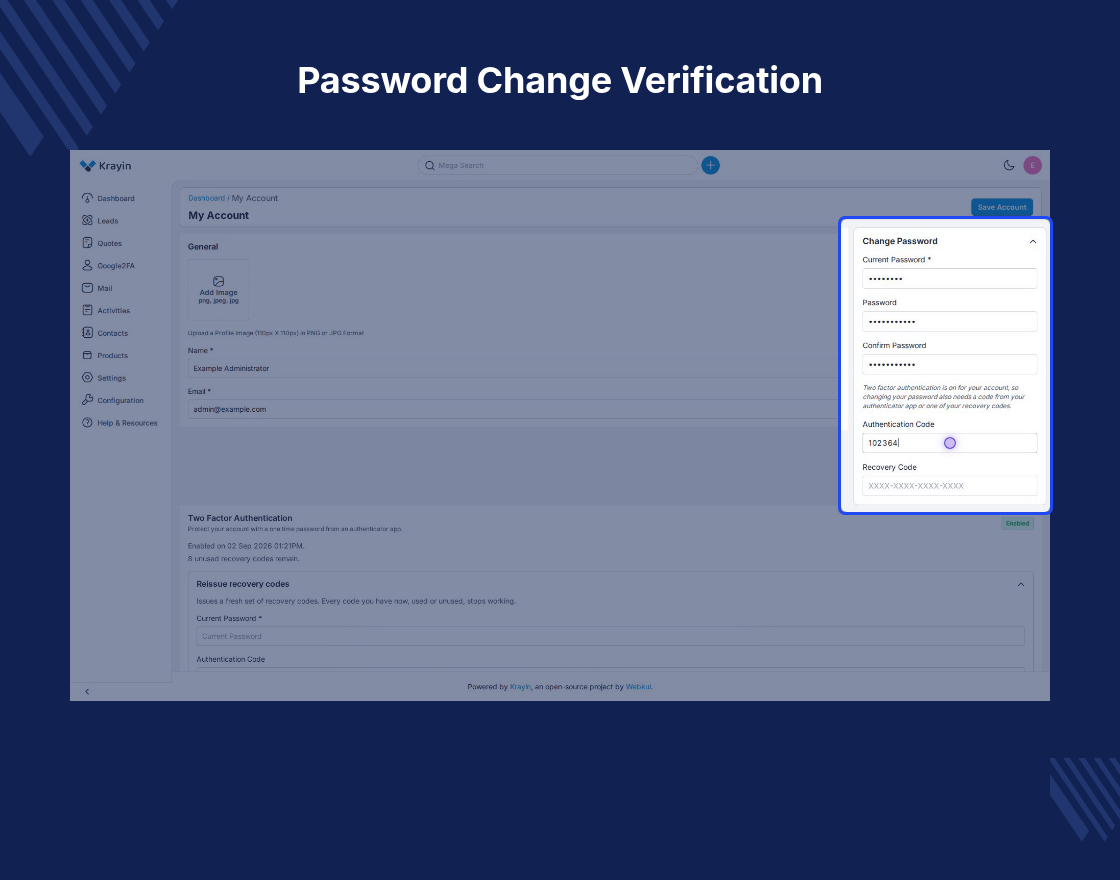
- Require a valid code before any admin password change is saved.
- Turn 2FA on, enforce it for all staff, or let users manage their own.
- Track every user’s 2FA status and last 2FA login from a single grid.
- Work with Google Authenticator, Microsoft Authenticator, Authy and 1Password.
- Install the module without editing a single Krayin CRM core file.
- Ship the admin screens in eight languages, including Arabic and Korean.
Why use Google Two-Factor Authentication (2FA) for Krayin CRM?
Krayin CRM 2FA is needed because a standard admin panel rests on a password alone. One stolen
or reused password lets a stranger read every lead, contact and quote the CRM holds.
Passwords leak in ways a CRM team cannot control — staff reuse them across tools or hand them to
a phishing page. A code that lives on the user’s phone closes the gap; an attacker holding the
password still cannot reach the panel.
Admin login security here costs steps, not minutes: scan the QR code, type one code, then save
the eight recovery codes shown once.
